The hardest part of studying?
Starting.
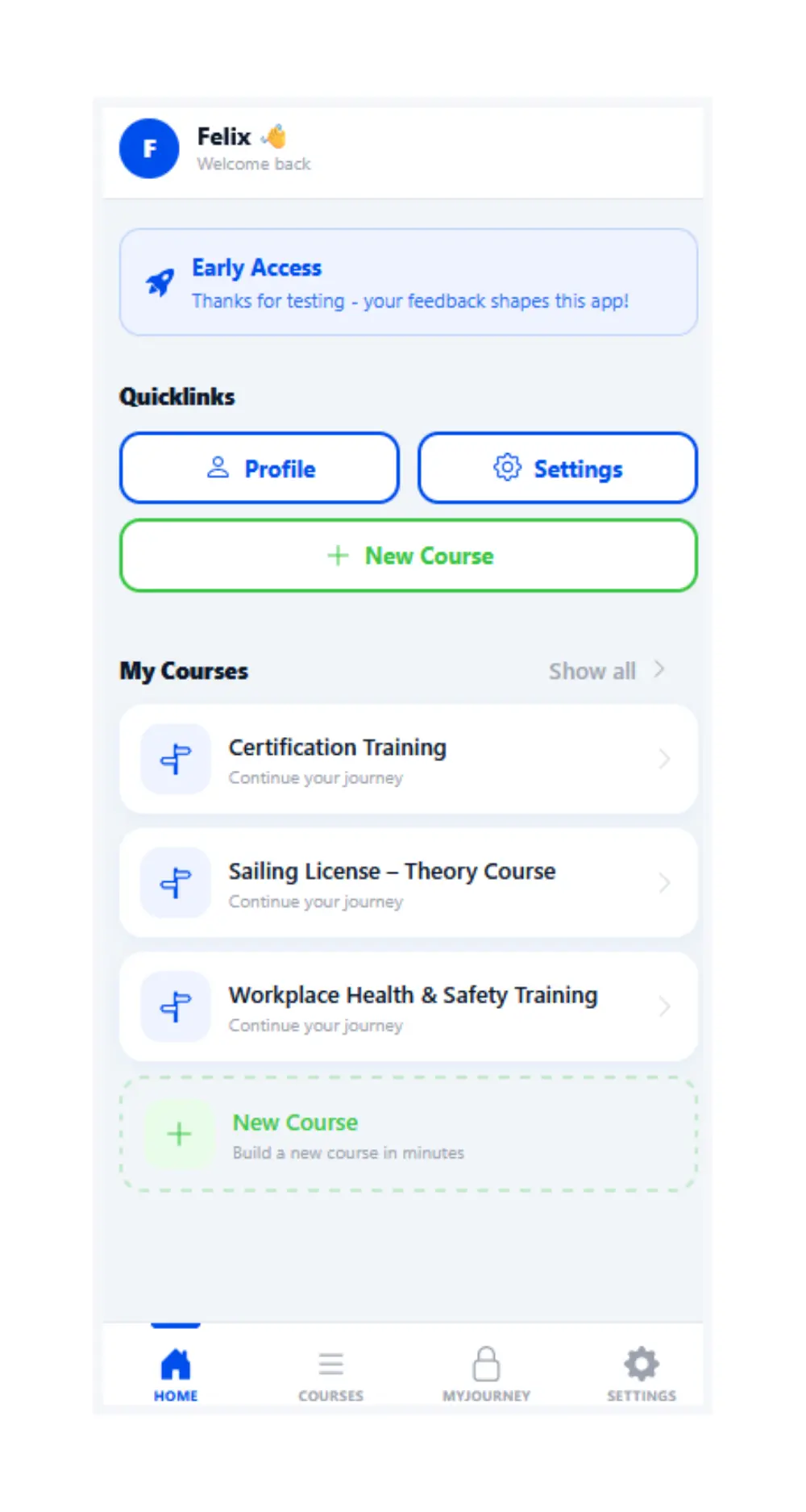
MyStudyguide is your Key to more enjoyable and effective studying
A different approach
What if starting studying could be easy?




Early Access
Try it right now for free
Be part of our Early Access and let us shape the future of learning together!
FAQ
Everything you need to know before you start
What happens to my data?
PDF, DOCX and TXT files are processed directly, and lecture slides as well. You can upload multiple files at once. MyStudyguide merges them into a single, coherent course.
Each file can be up to 20 MB. Scanned pages are automatically read using AI.
Which AI is used?
MyStudyguide is built on 100% European AI. This means your data is processed in compliance with the strict European GDPR standard, so you can study with full peace of mind.
More DetailsCan I delete my data and courses?
Yes, anytime! You can delete individual courses or your entire account whenever you want. When you delete your data, it's really gone.
How much does MyStudyguide cost?
MyStudyguide is currently in Early Access and completely free! We ask that you use the feedback form options to give us feedback. MyStudyguide stays free, but at a later point we will add premium plans
What does Early Access mean?
Early Access means you're one of the first to use MyStudyguide. You get access to the app now and your feedback directly influences which features we build next
Can I study together with others?
Absolutely! We are currently working on new and exciting features that will allow you to share, study and even challenge other users!
Which file formats can I upload?
You can upload these formats: PDFs, Word/PowerPoint (incl. OpenOffice), text or md files.
Do I have to prepare my materials myself, or does the app do it for me?
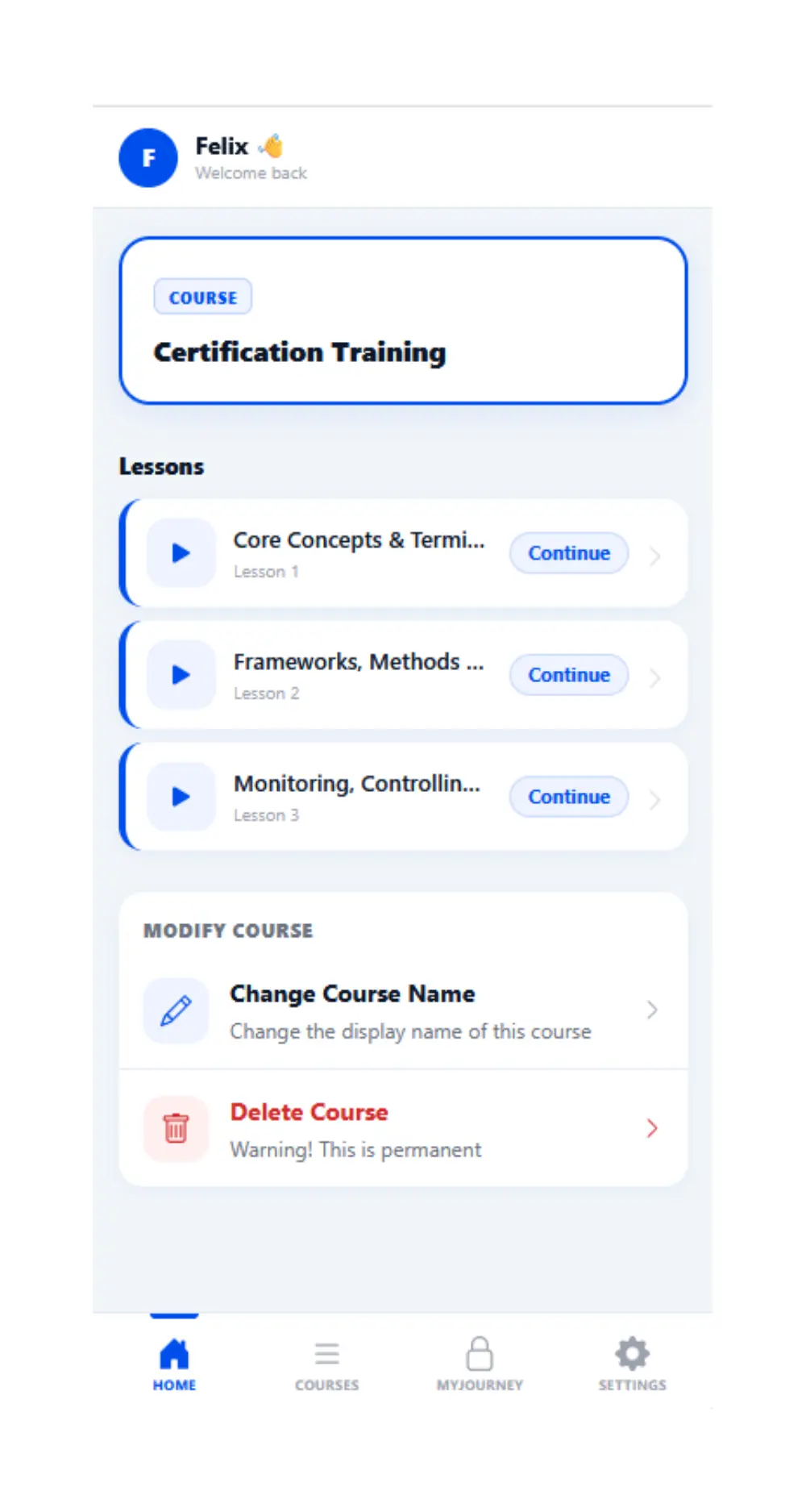
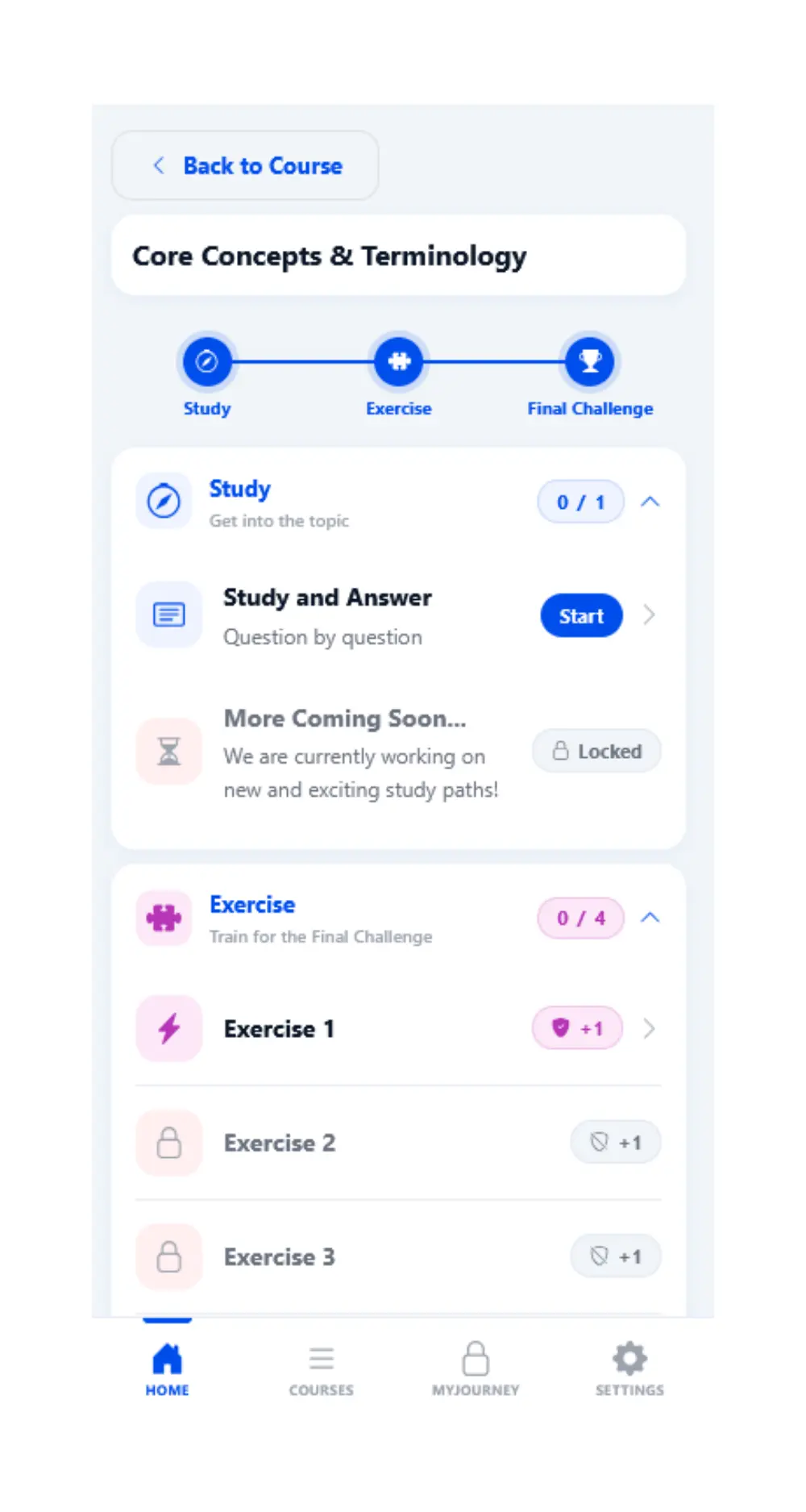
That's exactly our job! You simply upload your materials whether it's a dry text document, a messy PowerPoint, or lecture notes and MyStudyguide takes care of everything else: structuring the content, splitting it into lessons, and creating your interactive exercises. You just lean back with a coffee or tea for 1–2 minutes, and your finished course is waiting for you when you return.
Can I upload multiple courses at once? Are there limits?
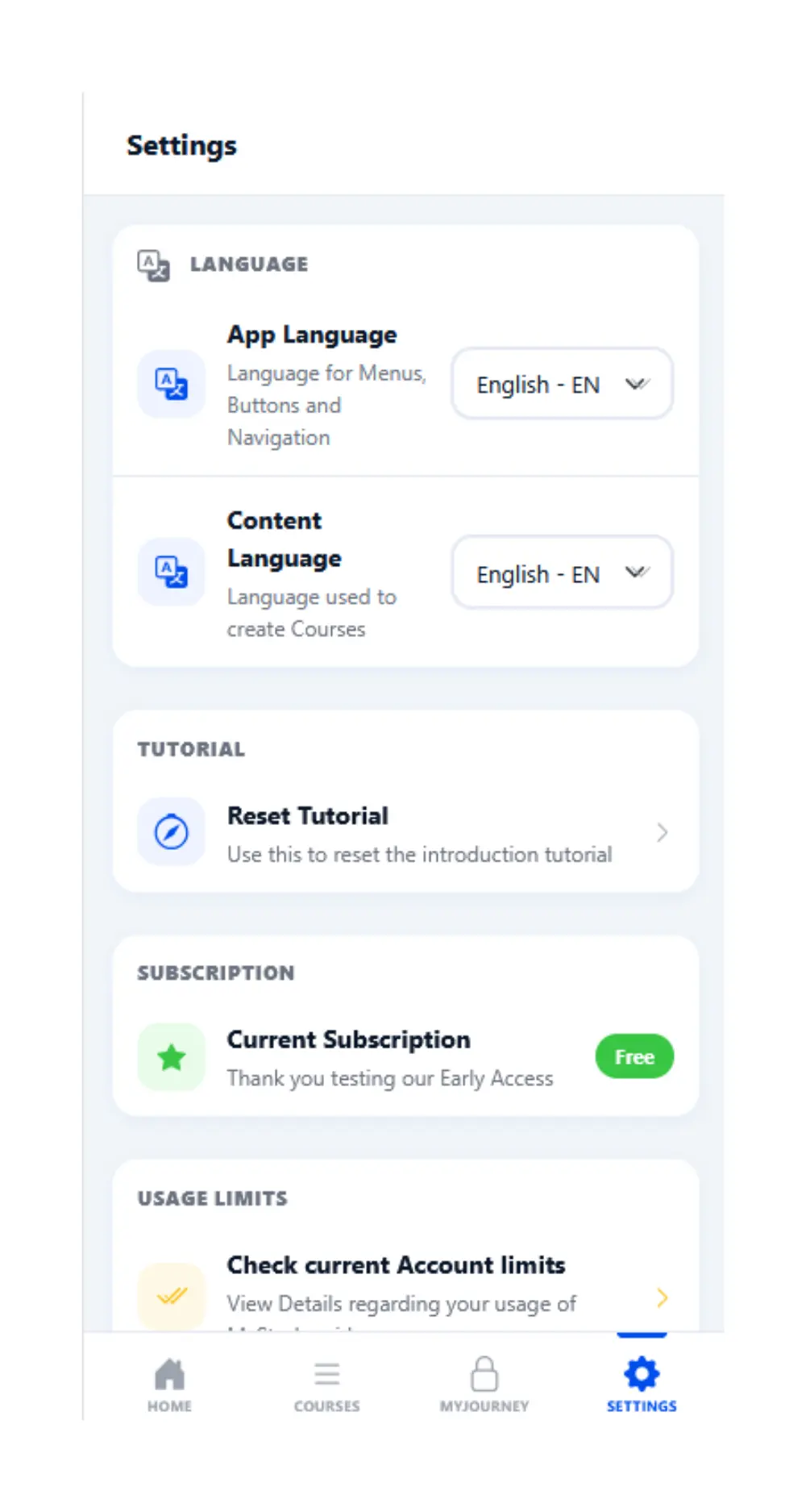
Yes, you can learn with several courses at the same time. The exact amount you can have depends on the current subscription of your account (e.g. free subscription). You can view these limits in the settings of the app. Each limit resets on the 1st of each Month